 BMW.SG | BMW Singapore Owners Community The Ultimate BMW Community – Established Since 2001
Learn in this video how to change the exterior light settings of your BMW. Depending on equipment and version, by going to “CAR”, “Settings”, “Exterior lighting” you can select the settings for your ‘Welcome Light’, ‘Door handle lights’ and the ‘Welcome Light Carpet’. Check out the instructions on this video below.
Tags BMW Technology BMW Videos

Related Articles





Check Also
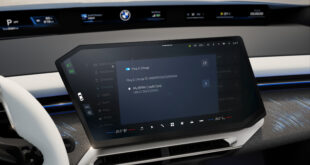
BMW Turns Every Electric Car Into A Credit Card For Charging
The BMW Group has stripped the friction out of public charging by turning every compatible …
